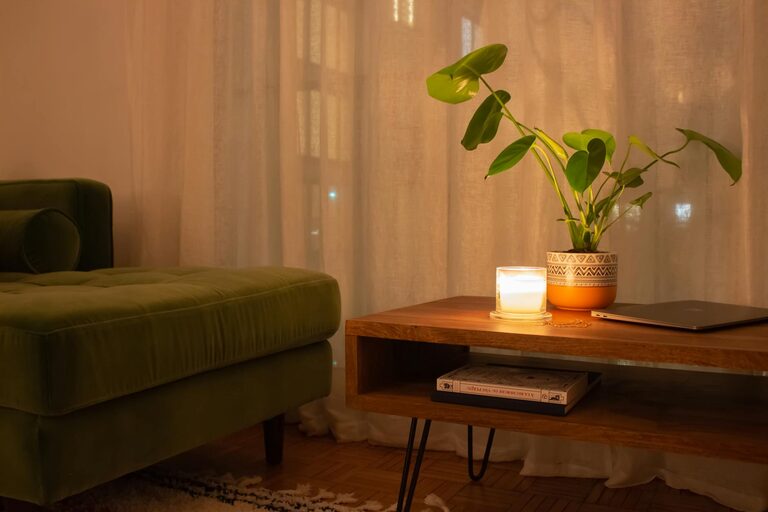
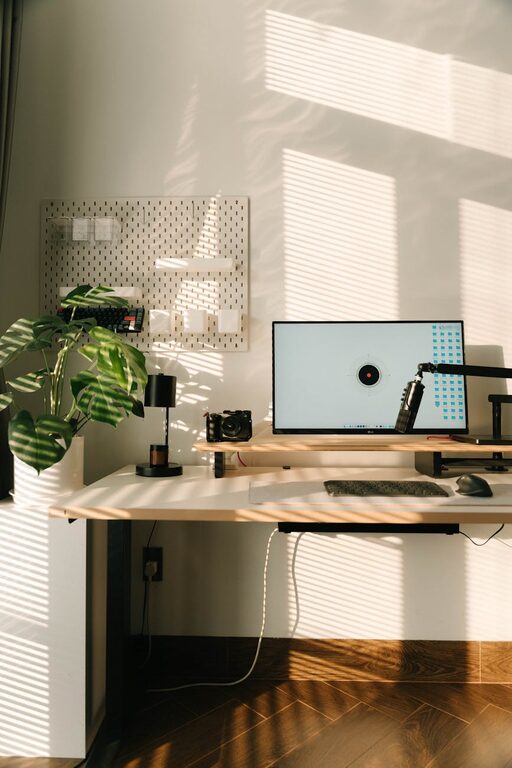
Creating a home office that feels cozy yet boosts productivity is a goal many people strive for. Whether you work remotely full-time, have occasional work-from-home days, or run a home business, your workspace can have a big impact on your focus and comfort. In this post, we’ll explore practical tips to design a home office that supports your work and feels inviting.
Choose the Right Location
Selecting the best spot for your home office is the first step. Ideally, pick a space with natural light and minimal distractions. A quiet corner or spare room can help separate work life from home life. If you don’t have a separate room, try to carve out a dedicated nook away from high-traffic areas.
Consider these factors:
– Proximity to windows for sunlight
– Distance from noisy appliances or family activity
– Available wall space for shelves or artwork
– Easy access to power outlets and internet
Invest in Ergonomic Furniture
Comfort is key to maintaining productivity during long hours at your desk. Choose an ergonomic chair that supports your posture and a desk that suits your height. Adjustable furniture can be especially helpful to find the right setup.
Tips for ergonomic comfort:
– Sit with feet flat on the floor
– Keep your elbows at a 90-degree angle while typing
– Position your monitor at eye level to prevent neck strain
– Use a footrest or cushion if needed
Personalize Your Space
A workspace that reflects your personality can increase motivation and reduce stress. Add items that make you feel relaxed and focused, but avoid clutter.
Ideas for personalization:
– Inspiring artwork or photos
– Plants to bring a touch of nature
– A cozy throw blanket or small pillow
– Your favorite stationery and desk organizers
Prioritize Lighting
Good lighting reduces eye strain and enhances mood. Natural light is best, so keep windows uncovered or use sheer curtains. For darker areas or evening work, combine ambient lighting with task lighting such as a desk lamp.
Lighting tips:
– Position your desk near a window for daylight
– Use adjustable lamps to direct light where needed
– Avoid glare on screens by angling lights properly
Organize Efficiently
A neat workspace helps you stay focused and find essentials quickly. Use storage solutions such as shelves, drawers, and baskets to keep items tidy. Labeling and sorting can save time and prevent clutter buildup.
Organization hacks:
– Use cable management tools to keep cords neat
– Keep frequently used items within arm’s reach
– Clear your desk at the end of each day to start fresh
Add Soothing Elements
Incorporating calming features can improve concentration and reduce stress. Consider sounds, scents, and textures that create a peaceful environment.
Soothing additions:
– A white noise machine or soft music playlist
– Scented candles or essential oil diffusers (if allowed)
– Soft rugs or cushions for added warmth
Set Boundaries and Routine
To truly benefit from your home office, establish clear work hours and boundaries. Communicate your schedule with family or housemates to minimize interruptions. A consistent routine helps your brain switch into work mode.
Boundary strategies:
– Define ‘office hours’ and stick to them
– Use a dedicated workspace to separate work and leisure
– Take regular breaks to stretch and refresh
Keep Technology Updated
Reliable technology is essential for productivity. Ensure your computer, internet connection, and any peripherals like printers or webcams are in good working order.
Technology tips:
– Upgrade hardware if your current setup is slow
– Back up important files regularly
– Use noise-cancelling headphones if needed for calls
—
By thoughtfully planning your home office space, you can create an environment that supports your well-being and work goals. Remember, comfort and functionality go hand in hand—make your workspace a place you enjoy spending time in, and productivity will naturally follow.